Payroll, attendance & leave
- Attendance closed before payroll
- AI payroll pre-check and exception report
- Release always approved by a person
- Payslips and full audit trail
What's included
Payroll, attendance and leave in one flow
Every item below is available in the product today.
Payroll
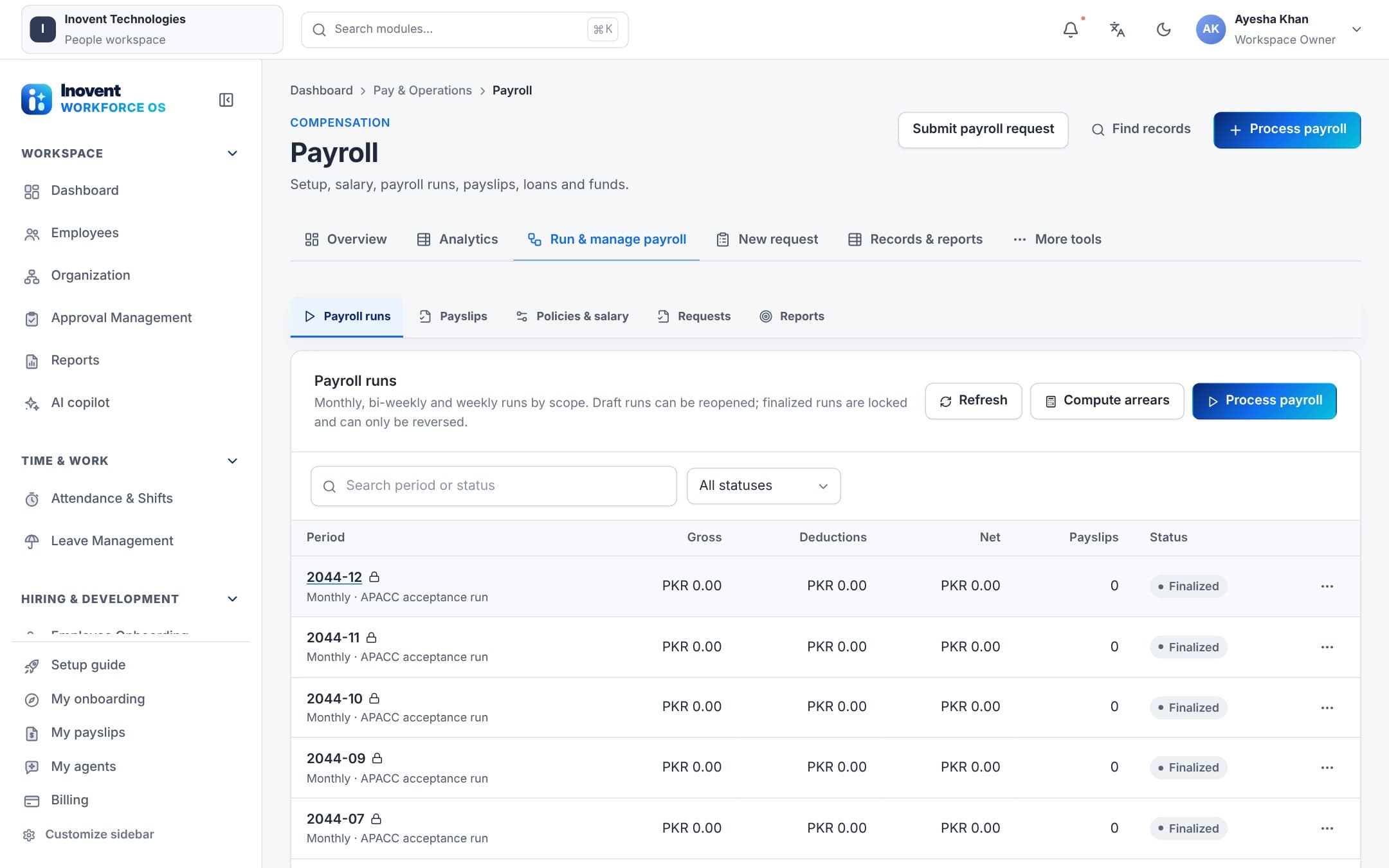
- Pay schedules and salary setupPay periods, payroll options, salary structures, fiscal year, exchange rates and tax masters.
- Earnings and deductionsAllowances, deductions, overtime, tax slabs, bonuses, commission and adjustments with approval.
- Loans and fundsGeneral, provident fund and gratuity loans with repayment schedules; provident fund, VPS and profit funds.
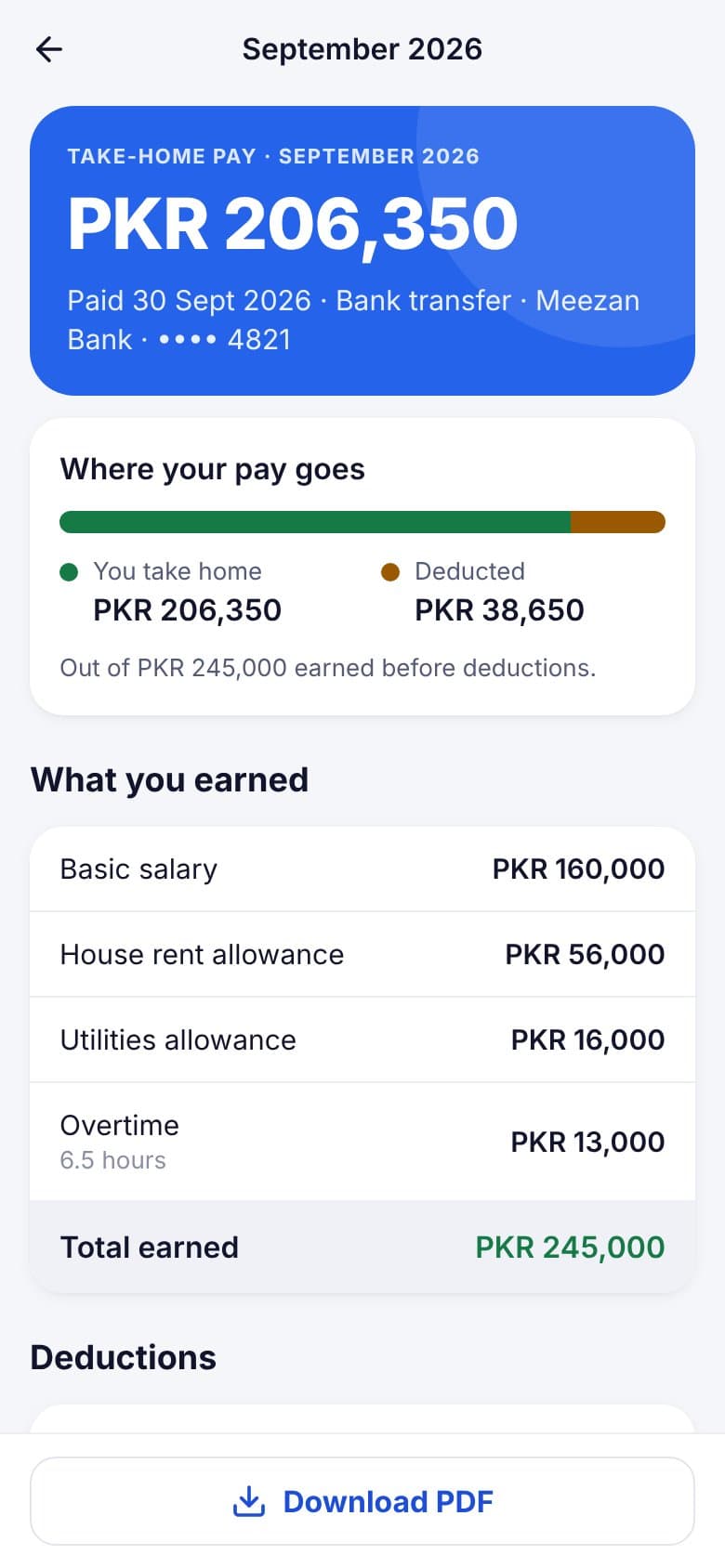
- Payslips and final settlementPayslips for every run, salary change history and final settlement for leavers.
Attendance & shifts
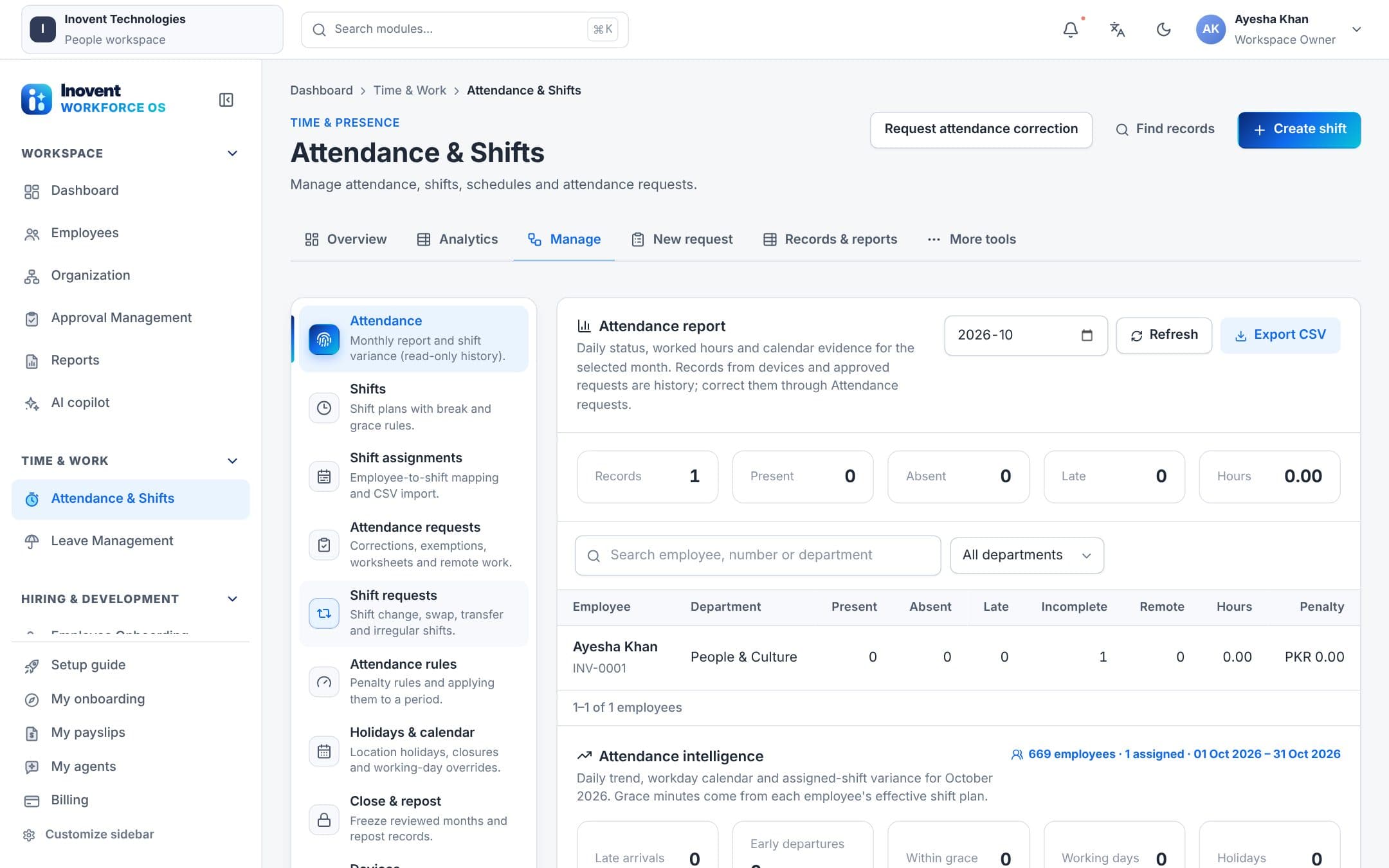
- Attendance from machinesBiometric logs normalized into daily attendance; the Windows desktop app connects to ZKTeco, eSSL and Hikvision machines on the office network.
- Shifts and requestsShift plans, swaps and transfers; break, remote work, worksheet and irregular attendance requests.
- Attendance closeClose, amend and repost a period before payroll so pay is calculated on settled attendance.
Leave
- Leave policies and balancesLeave types, quotas, half days and holiday-aware day counting, with balances employees can see.
- Connected to payApproved paid and unpaid leave flows into attendance and payroll; leave encashment goes through approvals.
Screens
See it in the product.
AI payroll automation
Robots check. People release.
Payroll and attendance robots work only with the permissions you give them and never move money on their own.
- Payroll pre-checkLists employees without a salary profile or bank details, attendance not closed, and negative or unapproved adjustments — before anyone runs payroll.
- Draft payroll runPrepares a draft run and an exception report for the payroll team. Drafts change nothing until a person approves.
- Attendance monitorFinds missing punches and attendance exceptions and prepares correction requests as drafts for the employee's manager.
- Leave anomaliesFlags leave balances that do not match approved leave so HR can fix them before pay day.
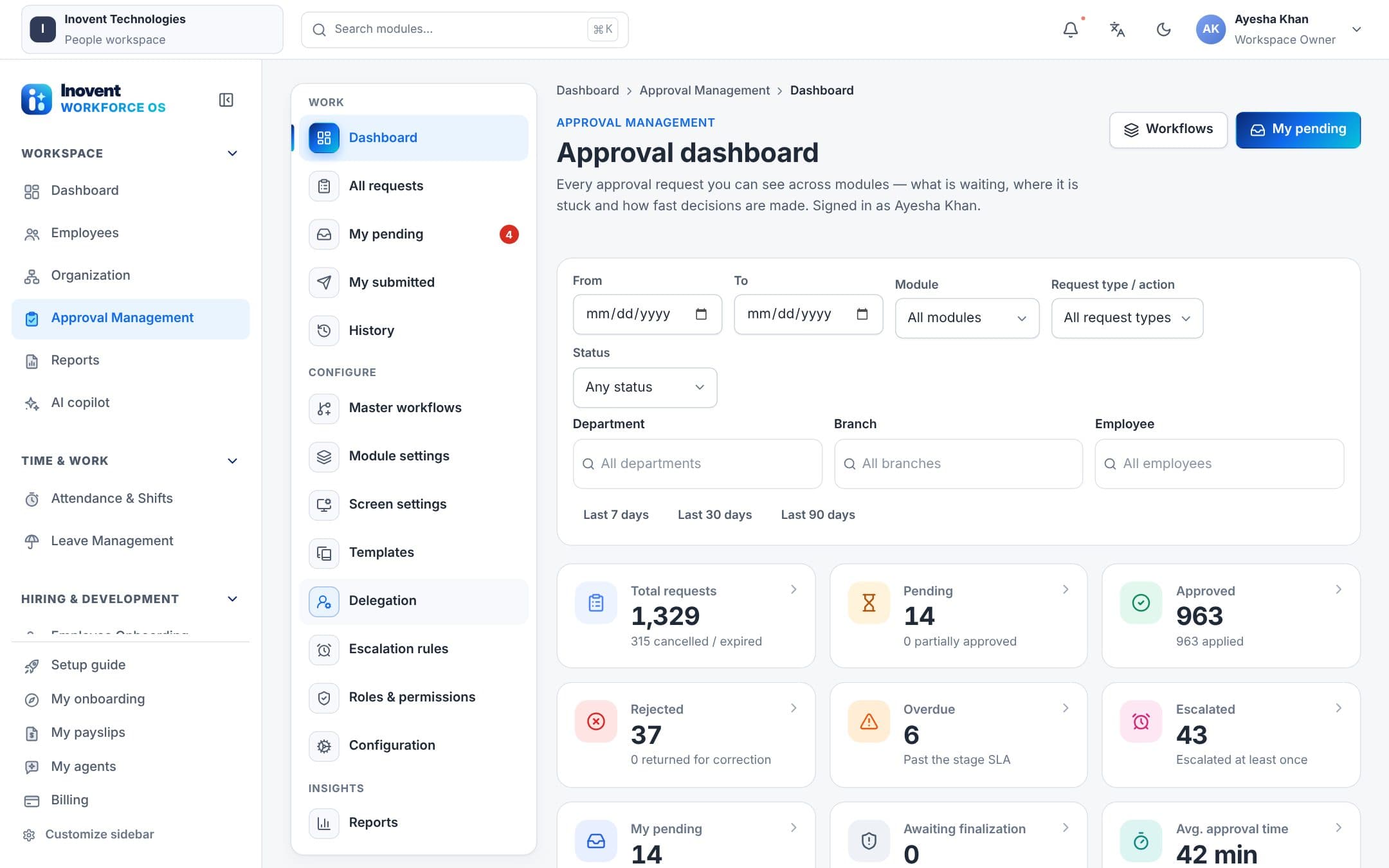
Releasing payroll is a critical action: it always waits for an approver, at every robot autonomy level.
One platform
Works together with the rest of Inovent Workforce OS.

Inovent HCM
Human Capital Management
People. Performance. Possibilities.
Explore Inovent HCM
Inovent Agents
AI Robot Employees & AI Agents
Digital teammates for a smarter workforce.
Explore Inovent Agents
Inovent Learn
Learning & Training
Develop skills. Empower growth.
Explore Inovent Learn
Inovent Voice
AI Call Center
Every conversation powered by AI.
Explore Inovent Voice
Inovent Automate
Business Automation
Streamline work. Accelerate results.
Explore Inovent Automate
Inovent Intelligence
AI Analytics & Routing
Smarter decisions. Higher performance.
Explore Inovent Intelligence
Questions
Payroll and attendance, answered.
Can an AI robot release payroll?
No. Releasing (finalizing) payroll is a critical action: a robot can prepare and check a run, but releasing it always waits for a person with payroll approval rights, and every step is in the audit log.
Which attendance machines are supported?
The Windows desktop app connects to ZKTeco, eSSL and other ZK-protocol machines and to Hikvision devices on your office network, and can also import exported log files. Punches are queued offline and synced without duplicates.
Does leave affect payroll automatically?
Yes. Approved leave updates attendance and the payroll inputs; unpaid leave and leave encashment are handled through the normal approval flow.
Is payroll part of Inovent HCM?
Yes. Payroll, attendance and leave are modules of Inovent HCM, so they share one employee record with the rest of your HR processes. Packages decide which modules a workspace includes — see Pricing.
Run your next payroll with fewer surprises.
Start a workspace today, or book a demo and we'll walk through your pay cycle with you.